
How to make a Gangnam Style AI video
There are three ways to make it. They differ in cost and effort, and above all in how closely the result follows the four beats of the original clip. Start with the photos, then pick a method.
Updated September 25, 2026
Before you start: three photos that work
Every method starts from photos, and the photos decide most of the result. Get these right once and you can reuse them for all three methods.
- One person per photo. Crop group shots so only the person you want is left in the frame.
- Facing the camera. A straight-on face with both eyes visible works far better than a profile or a tilted head, especially for the close-up at the end.
- Waist-up or full body. Each person keeps their own face, hair and clothes in the video, so include the outfit.
- Good, even light. Skip heavy filters, sunglasses and hands over the face.
- A clear original. Use the photo itself, not a blurry screenshot of it. JPG, PNG or WebP up to 10 MB; HEIC works in Safari.
- Only people who agreed. Use photos of people who are happy to be in it. No public figures and no minors.
Decide now who goes Left, Center and Right. Each spot has its own moment: Center opens and closes the clip in close-up, Left sings and gestures alone after the first whip pan, and Right sings and dances alone in front of a glass building.
Method 1 – One-click generator (same beats, original audio)
The generator recreates the original clip with your three people in it: same camera moves, same close-ups, same timing. Each person keeps their own face, hair and clothes, and the original audio stays in.
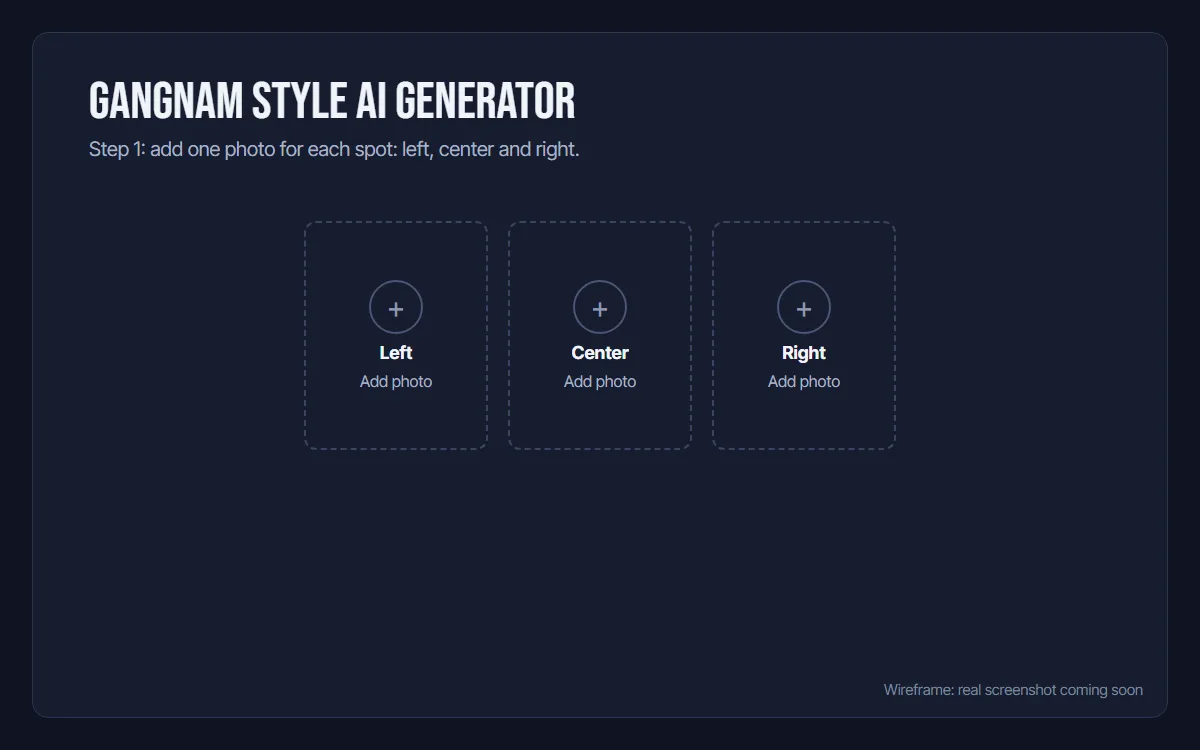
1Add three photos
Open the generator on the home page and sign in with Google. Add one photo each for Left, Center and Right: one person per photo, face clearly visible.
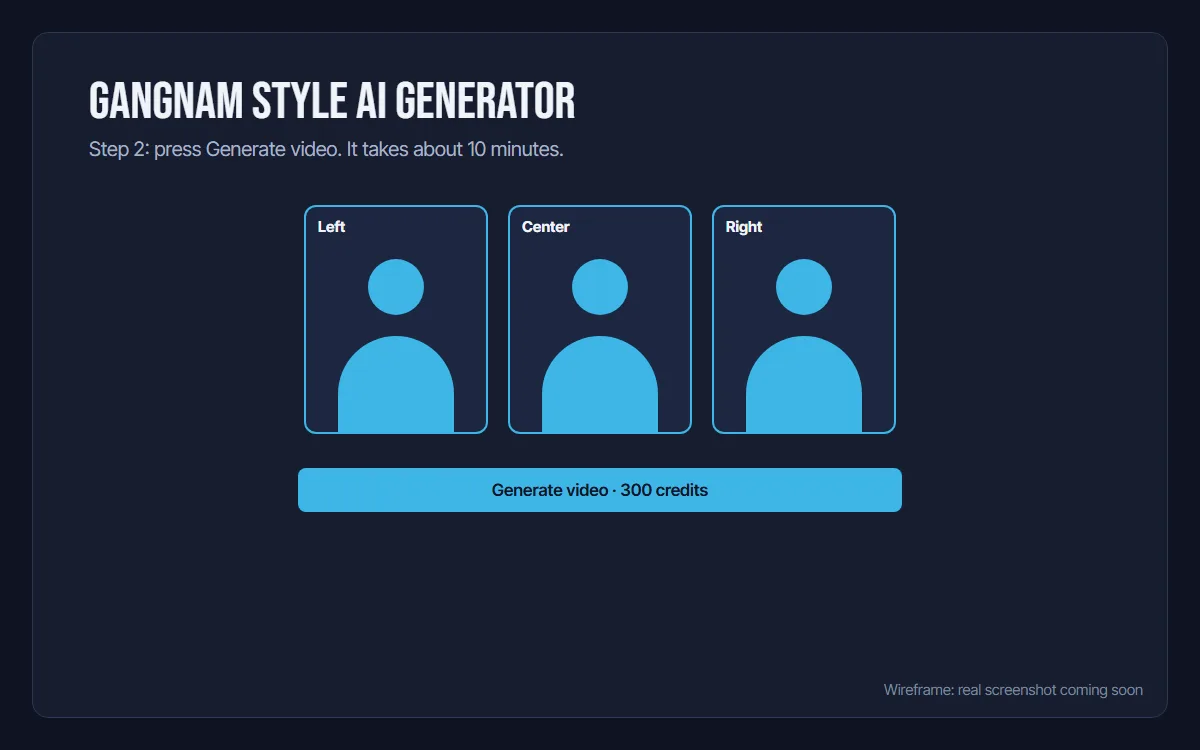
2Generate the video
Press Generate video. It costs 300 credits and takes about 10 minutes. You can leave the page; the video is saved in My videos. If a video fails, the credits are refunded automatically.
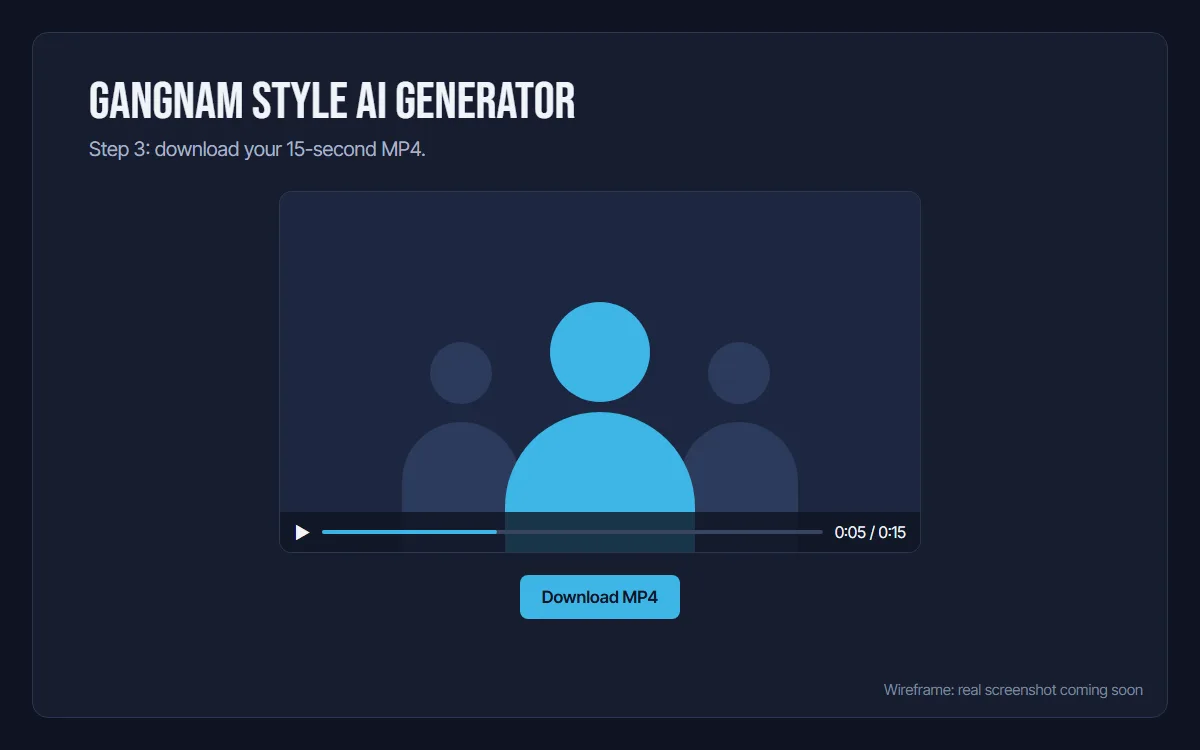
3Download your video
When it is ready, download the 15-second MP4 and share it with your friends.
- Time
- About 10 minutes
- Output
- 16:9 MP4, 15 seconds, original audio
- Cost
- 300 credits per video
- Watermark
- None
Method 2 – CapCut template (quick, but fixed by its creator)
Many Gangnam Style AI clips on TikTok carry a CapCut template link. A template is an edit someone else built: you add your own photos or Live Photos and CapCut places them into it, so the motion, cuts and timing are decided by whoever made the template.
- Find a Gangnam Style AI video on TikTok or in CapCut that shows a template link.
- Tap Try this template to open it in CapCut.
- Add your photos or Live Photos in the slots the template asks for.
- Check the result, then export and share.
The catch
- The result is the template creator's edit, and templates differ a lot in how closely they follow the beats.
- Free exports can carry a CapCut watermark or end screen.
- Length, cuts and framing are fixed by the template, so you can't re-time it or change the setting.
- Templates come and go. If one disappears, look for another video with a template link.
Method 3 – Write your own prompt (Kling, Veo, Sora)
If you would rather build it yourself, current video models can get close to the look. Kling, Veo and Sora all take a text prompt plus an optional start image. Starting from a photo of your three people (image-to-video) keeps their faces far closer than text alone.
Start with this prompt, which describes the night terrace of the original clip, and change the description of the three people:
Three people stand side by side, left, center and right, facing the camera. Setting: a terrace at night with potted plants and old lamp posts, a lit glass building behind the right side of the frame. Cinematic 16:9 film look, a song-and-dance number. The camera moves fast between the three, with quick whip pans. No captions, no subtitles, no text, no logos. Beat by beat: first a close-up of the center person singing into the lens while the other two lean in behind (0-4 s). Then a whip pan to the left person, who sings and gestures alone (4-8 s). Then the right person sings and dances alone in a wider shot (8-12 s). Then back to the center person in close-up, singing and waving an open hand at the lens (12-15 s).
Versions with other settings, such as a stadium, a night rooftop or a castle, plus a negative prompt and settings, are on the Gangnam Style AI prompts page.
Expect randomness. Models often skip a beat, mix up who has which solo moment, or keep the camera still instead of whip-panning. Budget several attempts and keep the best one.
Common problems
- The face doesn't look like the person
- Use a sharper, front-facing photo with even light, and crop so the face is larger in the frame. Remove sunglasses and heavy filters.
- The wrong person gets the wrong moment
- In the generator, the slot decides the moment: Center gets the close-ups at the start and end, Left the first solo, Right the solo in front of the glass building. Put each photo in the slot you want. In a prompt, describe each person by position, for example "on the left, a woman in a red jacket".
- The camera doesn't move
- This happens with prompts. Describe each camera move in order (close-up on the center person, whip pan to the left person, cut to the right person, back to the center close-up) and add "static tripod shot" to the negative prompt.
- The moves are out of sync with the music
- Templates and prompt videos are not always timed to the song. Line up the start in your editor, or add the sound in TikTok and nudge it. The generator keeps the original audio and timing.
Which method should you pick?
| Compare | One-click generator | CapCut template | Your own prompt |
|---|---|---|---|
| Cost | Paid per video | Usually free | Free tiers, then paid credits |
| Time | About 10 minutes | A few minutes | Varies, several attempts |
| Moves | Same beats as the original clip | Set by the template's creator | Random, rarely close |
| Watermark | None | Possible on free exports | Depends on the tool |
| Audio | Original audio | The template's sound | Add it yourself |
Short version: if you want the beats in the right order with your own three people, use the generator. If you want something quick and free and don't mind whatever the template does, use CapCut. If you enjoy tinkering, write a prompt.
How-to FAQ
How long does it take to make a Gangnam Style AI video?
With the generator on this site, about 10 minutes. You can leave the page; the result is saved in My videos. Writing your own prompt takes longer, because you will usually need several attempts.
Can I make a Gangnam Style AI video for free?
A CapCut template or the free tier of a video model can cost nothing, but neither reliably follows the beats. The generator here uses credits: a video costs 300 credits, and packs start at $9.90 for 300 credits, enough for one video.
Why do I need three photos?
The original clip has three people, and each one has a moment of their own: Center opens and closes it in close-up, Left gets the first solo, Right sings and dances alone in front of a glass building. Upload one clear photo per person for Left, Center and Right.
What photos should I use?
One person per photo, facing the camera, in good light, waist-up or full body so the clothes carry over. JPG, PNG or WebP up to 10 MB; HEIC works in Safari. Only upload people who have agreed to it, and no public figures or minors.
Ready to put your three in the clip?
Upload three photos, press Generate video, and get a 15-second MP4 with the original audio in about 10 minutes.